This is a quick guide, how to install and setup your Obscure Go wallet.
This is a quick guide, how to install and setup your Obscure Go . Download on the Obscure website, or on .
How to install Obscure Go wallet.
Create a .
Open obscurego.exe and go to create a new .
Yellow: your file name. Red: your password. Blue: click on CREATE, you will be asked to re-typ your password.
2. Wallet public address and mnemonic seed.
Green: your file name. Yellow: your public XSC address. Red: your mnemonic seed. IMPORTANT: It is necessary that you copy and them in a secured place.
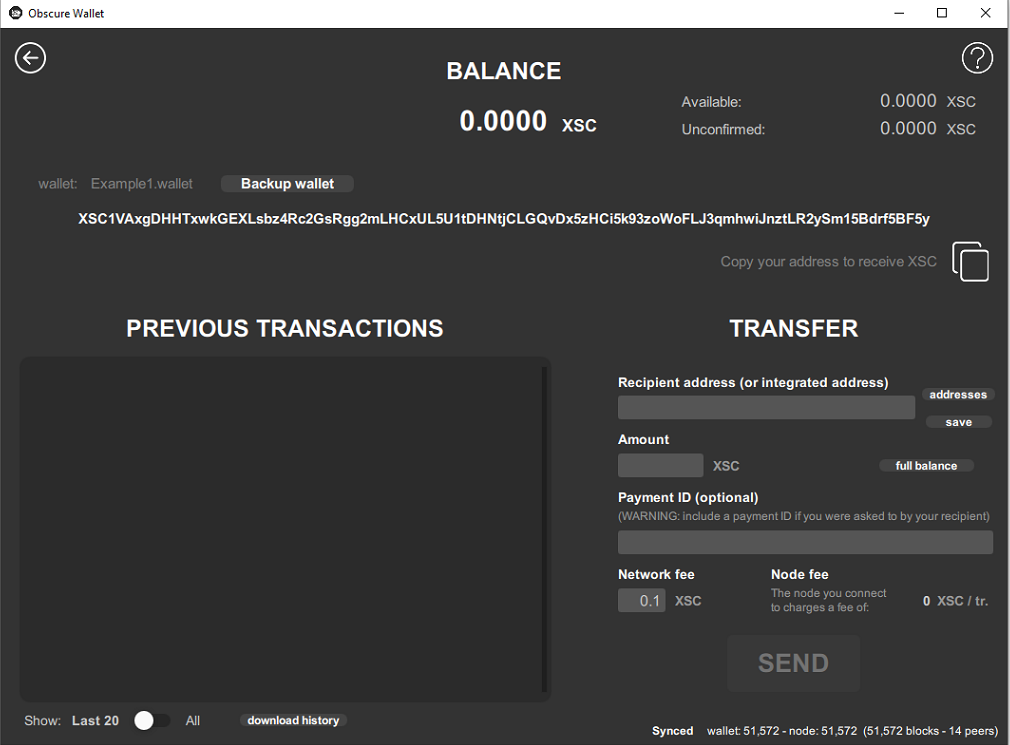
3. Ready to use.
Congratulation, your is created.
How to open an existing Obscure Go wallet with remode node.
Open obscurego.exe and go to open an existing .
Yellow: check Remote node. Red: fill in your path to file. Blue: typ your password. Purple: click on OPEN.
2. Wallet synchronization.
Your needs to be synchronized with the to be able to display the correct balance and send payments.
How to open an existing Obscure Go wallet with local node.
Open the Daemon obscured.exe
A local node will the on your computer.Successfully synchronized with the ObscureIM Network. Always exit with the “exit” command to preserve your chain data. Leave obscured.exe running in the background while using the Obscure Go .
2. Open obscurego.exe and go to open an existing .
Yellow: check Local . Red: fill in your path to file. Blue: typ your password. Purple: click on OPEN.
3. Wallet synchronization.
Your needs to be synchronized with the to be able to display the correct balance and send payments.
How to restore your Obscure Go wallet from seed.
Open obscurego.exe and go to Import .
Orange: select from seed. Red: your file name. Yellow: your password. Green: your mnemonic seed. Blue: click on IMPORT, you will be asked to re-typ your password.
2. Restored .
Congratulations ! Your is restored.
Coming up: How to GUI and How to send payments.
The seed is purely shown as an example, it will be a waste of time to import the seed, the balance is zero.
bitcoin [BTC] and Ethereum [ETH] spend millions to secure network against 51 percent attacks bitcoin [BTC] and Ethereum [ETH] are the most secure proof-of-work [PoW] coins, attested Messari, the cryptocurrency research and metrics platform. On […]
bitcoin (BTC) Dominance Drop to 50 Percent, will Sell-off Boost Altcoins? bitcoin Prices slumping Solactive and CMC launching two crypto indices Transaction volumes less than half those of late Feb CMC in partnership with Germany’s […]
6 weeks intense Minneapolis blockchain development bootcamp for beginners – ethereum blockchain developer training for beginners, how to develop ethereum blockchain application, smart contract, solidity programming, DAaps This is the most comprehensive blockchain course for […]
![Bitcoin [btc] and ethereum [eth] spend millions to secure network against 51 percent attacks](https://ohiobitcoin.com/wp-content/uploads/2019/03/Screen-Shot-2019-03-26-at-4.03.33-PM.png "Bitcoin [btc] and ethereum [eth] spend millions to secure network against 51 percent attacks")
