Advertised sites are not endorsed by the bitcoin Forum. They may be unsafe, untrustworthy, or illegal in your jurisdiction.
Jr. Member Offline
Activity: 41
GPU’s MODEL NAME: MSI R7950 VRAM: 3GB CORE/MEMORY CLOCK: 1020/625 Voltage: 1075 HASHRATE: 280 Sol/s MINER SOFTWARE: Claymore v12.4 OS: Windows 7 Pro TEMP: 68ºC POWER DRAW: ~150 W
GPU’s MODEL NAME: Gygabyte 7950 VRAM: 3GB CORE/MEMORY CLOCK: 1173/1497 HASHRATE: 320 Sol/s MINER SOFTWARE: Claymore v12.4 OS: Windows 7 Pro TEMP: 68ºC POWER DRAW: ~180 W
Wow, pretty high numbers for 7950. grats
We buy bitcoin. We HODL. We run the nodes. We validate the blocks. We give this value. Do not… Fuck with us.
Is it possible to enable sorting of the columns?
Sure, currently working on website and will add a page with these features:
GPU – Sort benchmarks by hashrate (High to Low) – Sort benchmarks by hashrate (Low to High) – Display only AMD benchmarks. – Display only EVGA/NVIDIA benchmarks. – Sort benchmarks by OS.
CPU – Sort benchmarks by hashrate (High to Low) – Sort benchmarks by hashrate (Low to High) – Display only AMD benchmarks. – Display only Intel benchmarks. – Sort benchmarks by OS.
After I finish these features mentioned, I will work on search feature.
Edit: Features added on this website will later be added to monero website too.
Jr. Member Offline
Activity: 32
MY EVGA GTX 1060 in my gaming system seems to work pretty well for ZEC These numbers are all from MSI Afterburner, and a kill-a-watt power meter.
Once the fan speed hits 50% or higher the noise becomes noticeable and annoying to me personally
Maximum Attack GPU’s MODEL NAME: EVGA GTX 1060 6GB SSC VRAM: 6GB (Samsung) CORE/MEMORY CLOCK: 2113/9598 HASHRATE: ~345 Sol/s MINER SOFTWARE: EWBF 0.3.3b OS: Windows 10 Pro TEMP: 82ºC FAN SPEED: 100% (manual) POWER DRAW: ~151 W EFFICIENCY: ~2.20 Sol/W
Balanced mode GPU’s MODEL NAME: EVGA GTX 1060 6GB SSC VRAM: 6GB (Samsung) CORE/MEMORY CLOCK: 1936/9408 HASHRATE: ~315 Sol/s MINER SOFTWARE: EWBF 0.3.3b OS: Windows 10 Pro TEMP: 69ºC FAN SPEED: 47% (manual) POWER DRAW: ~95 W EFFICIENCY: ~3.32 Sol/W Stock Performance GPU’s MODEL NAME: EVGA GTX 1060 6GB SSC VRAM: 6GB (Samsung) CORE/MEMORY CLOCK: 1911/7200 HASHRATE: ~297 Sol/s MINER SOFTWARE: EWBF 0.3.3b OS: Windows 10 Pro TEMP: 82ºC FAN SPEED: 45% (auto) POWER DRAW: ~106 W EFFICIENCY: ~2.80 Sol/W
Newbie Offline
Activity: 21
MY EVGA GTX 1060 in my gaming system seems to work pretty well for ZEC These numbers are all from MSI Afterburner, and a kill-a-watt power meter.
Once the fan speed hits 50% or higher the noise becomes noticeable and annoying to me personally
Maximum Attack GPU’s MODEL NAME: EVGA GTX 1060 6GB SSC VRAM: 6GB (Samsung) CORE/MEMORY CLOCK: 2113/9598 HASHRATE: ~345 Sol/s MINER SOFTWARE: EWBF 0.3.3b OS: Windows 10 Pro TEMP: 82ºC FAN SPEED: 100% (manual) POWER DRAW: ~151 W EFFICIENCY: ~2.20 Sol/W
Balanced mode GPU’s MODEL NAME: EVGA GTX 1060 6GB SSC VRAM: 6GB (Samsung) CORE/MEMORY CLOCK: 1936/9408 HASHRATE: ~315 Sol/s MINER SOFTWARE: EWBF 0.3.3b OS: Windows 10 Pro TEMP: 69ºC FAN SPEED: 47% (manual) POWER DRAW: ~95 W EFFICIENCY: ~3.32 Sol/W Stock Performance GPU’s MODEL NAME: EVGA GTX 1060 6GB SSC VRAM: 6GB (Samsung) CORE/MEMORY CLOCK: 1911/7200 HASHRATE: ~297 Sol/s MINER SOFTWARE: EWBF 0.3.3b OS: Windows 10 Pro TEMP: 82ºC FAN SPEED: 45% (auto) POWER DRAW: ~106 W EFFICIENCY: ~2.80 Sol/W
Best presented set of benchmarks yet. I think you’ve now set the standard
A 95 draw with 315 sol is quite something, impressed!
Newbie Offline
Activity: 21
Is it possible to enable sorting of the columns?
Sure, currently working on website and will add a page with these features:
GPU – Sort benchmarks by hashrate (High to Low) – Sort benchmarks by hashrate (Low to High) – Display only AMD benchmarks. – Display only EVGA/NVIDIA benchmarks. – Sort benchmarks by OS.
CPU – Sort benchmarks by hashrate (High to Low) – Sort benchmarks by hashrate (Low to High) – Display only AMD benchmarks. – Display only Intel benchmarks. – Sort benchmarks by OS.
After I finish these features mentioned, I will work on search feature.
Edit: Features added on this website will later be added to monero website too.
An average price column for each card pulling from newegg, amazon and ebay buy now’s with price displayed in USD would be a good addition after search. Maybe think about adding sort option for miner column.
Is it possible to enable sorting of the columns?
Sure, currently working on website and will add a page with these features:
GPU – Sort benchmarks by hashrate (High to Low) – Sort benchmarks by hashrate (Low to High) – Display only AMD benchmarks. – Display only EVGA/NVIDIA benchmarks. – Sort benchmarks by OS.
CPU – Sort benchmarks by hashrate (High to Low) – Sort benchmarks by hashrate (Low to High) – Display only AMD benchmarks. – Display only Intel benchmarks. – Sort benchmarks by OS.
After I finish these features mentioned, I will work on search feature.
Edit: Features added on this website will later be added to monero website too.
An average price column for each card pulling from newegg, amazon and ebay buy now’s with price displayed in USD would be a good addition after search. Maybe think about adding sort option for miner column.
Sort benchmarks by mining software will be added to list.
Yet, i don’t guarantee will add a price column. It is easier said than done and would require to be separate from main table, because of all work & data involved It’d require a scrapper that connects to those 3 websites: search, filter & separate used cards from new cards to average USD price and them be displayed on website & refreshed frequently due to price change from sellers without consuming too much resources from hosting. I’ll keep this feature in mind but i don’t assure it.
Published at Fri, 14 Apr 2017 01:07:02 +0000
[wpr5_ebay kw=”bitcoin” num=”1″ ebcat=”” cid=”5338043562″ lang=”en-US” country=”0″ sort=”bestmatch”] By Halans on 2014-03-27 18:24:34
bitcoin, Ether, and XRP Weekly Market Update: February 21, 2019 The total crypto market cap increased to $133 billion after gaining more than $14 billion of value for the past seven days. Top ten cryptocurrencies […]
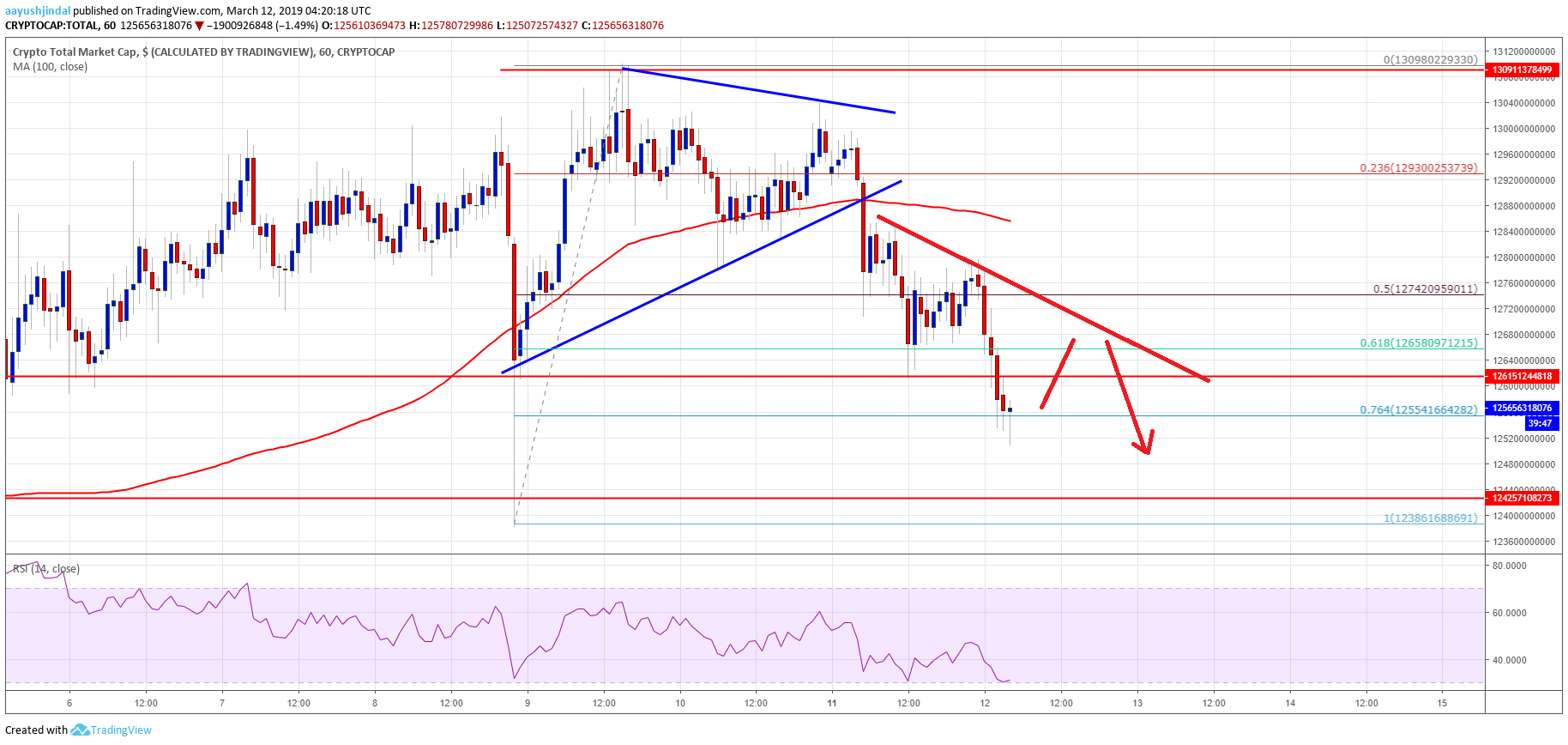
Crypto Market Could Extend Losses: EOS, bitcoin Cash, TRX, ADA Price Analysis The total crypto market cap declined recently and broke the key $128.0B support level. EOS price is down more than 6% and it […]
Recent Uploads tagged blockchain Belgium Contributes To World Food Programme Blockchain Project Cryptocurrency Latest News posted a photo: from Cointelegraph.com News ift.tt/2qOhOS8 | Get 3% OFF On #GenesisMining The Largest Cloud Mining Service Provider With […]