 Hello and welcome to the EVOTION research project!
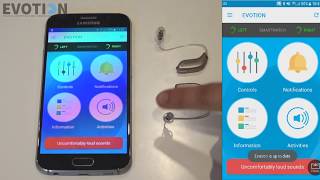
In this video, you will get an introduction on how to connect your EVOTION hearing aids with your the EVOTION smartphone. The connection we are using is called Bluetooth.
Watch this tutorial if you are experiencing problems with the connection between the hearing aids and the smartphone.
You can also find a table of content below. Click on the blue numbers to be taken to the specific topic of the video you are most interested in.
00:14 – The START screen
00:24 – Check if the hearing aids are connected to the phone
00:52 – If there is no connection indicated try replacing the batteries of the hearing aids or reset them by opening and closing the battery drawer.
01:37 – The CONTROLS screen – here you can change the programme and volume of the hearing aids.
02:41 – The INFORMATION screen – here you find useful videos on how to handle your hearing aids.
03:07 – The ACTIVITIES screen – here you can complete your daily activities and
03:44 – The NOTIFICATIONS screen – here you can find the notifications the EVOTION application sends you.
04:09 – The UNCOMFORTABLY LOUD SOUNDS button – please, press this button, when you experience an uncomfortably loud sound, you can assess your hearing situation and will have to complete a short survey.
If you want to know how to connect your EVOTION hearing aids to your EVOTION phone, you can watch this video: https://youtu.be/KolkSGUi5HE
You can find more EVOTION related information here:
Website: www.h2020evotion.eu
Twitter: www.twitter.com/h2020evotion
LinkedIn: www.linkedin.com/company/15251977/