 MetaMask Fox image from the awesome team at MetaMask.ioTackle Science’s Greatest Challenges with
 VR and Blockchain-based Collaboration
Announcing the Matryx release for Q1 2018 includes our new WebUI interface which uses MetaMask for private key handling.
This will get you up and running with our platform!
MetaMask
Go to the MetaMask site and download their Google Chrome Extension
Click on Add extension when prompted to add MetaMask to Chrome. Make sure to read the and proceed.
Now you need to create a MetaMask Vault with your own password or a seed. Then you can either add an wallet account directly from MetaMask or import your own with your private key.
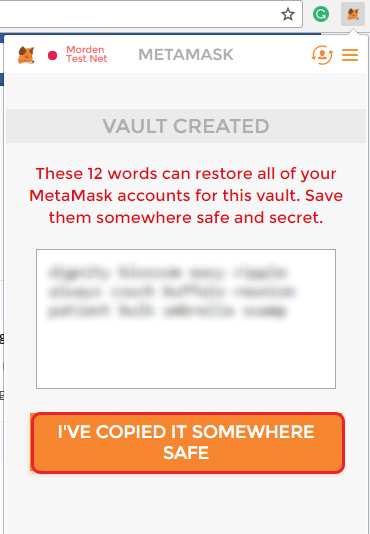
You need to make sure your MetaMask Chrome extension is unlocked so that you can make a transaction in the Matryx Platform.
Go to the Matryx Platform at .
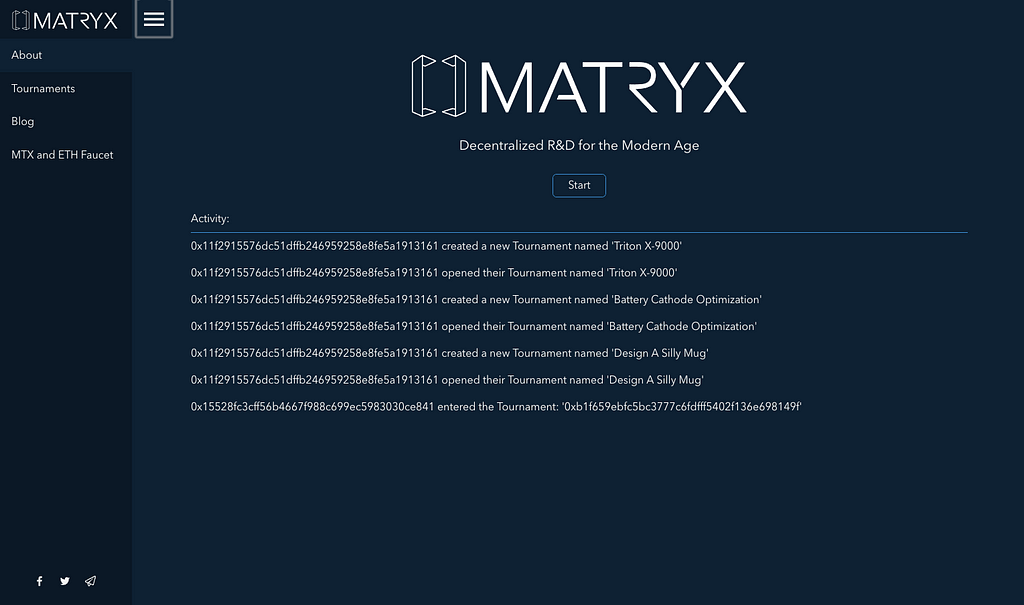
You want to change your MetaMask Network to hook into our Matryx Private Chain using the host:
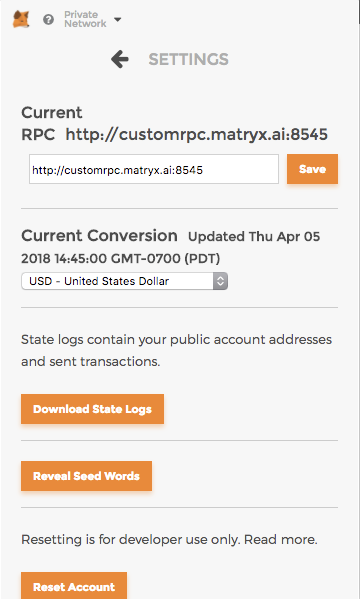 The Matryx Ethereum Private Chain RPC at ‘customrpc.matryx.ai’
When it connects to our Private Chain Network and if it is not unlocked you will be prompt to unlock your MetaMask.
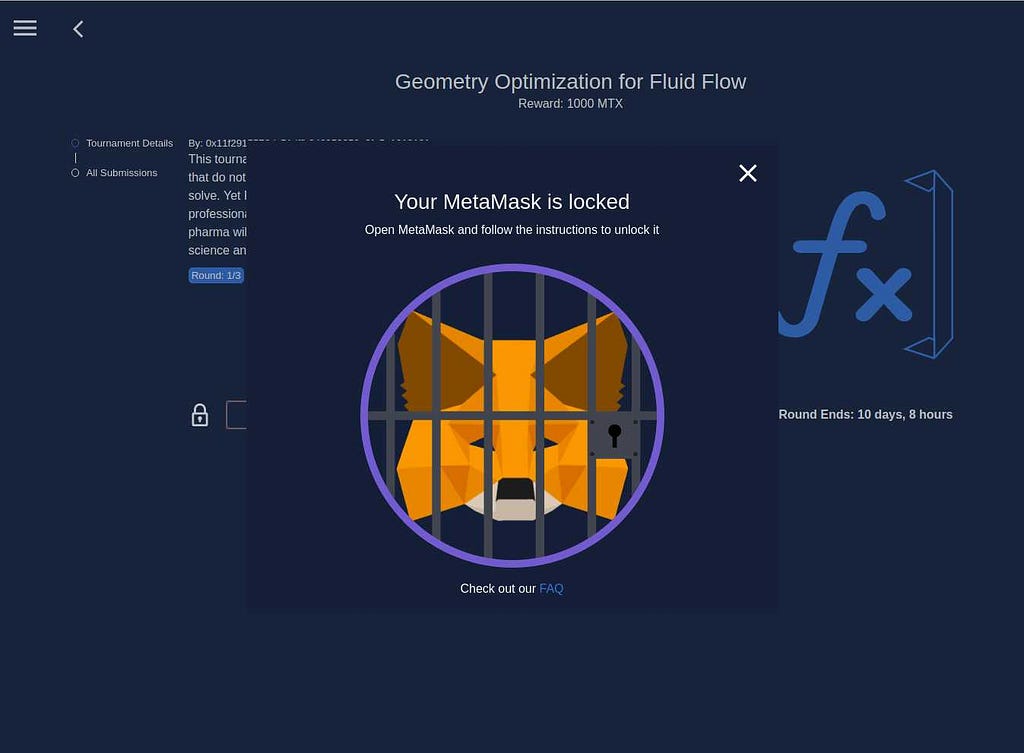
You can request Ethereum (ETH) and/or Matryx Tokens (MTX) by filling out this form and we will airdrop them to you:
Now you can make Ethereum transactions such as Adding yourself as a peer, Creating a submission, or sending Matryx Private Chain Ethereum to your friend!
Enjoy!
>The Matryx Team

was originally published in on Medium, where people are continuing the conversation by highlighting and responding to this story.