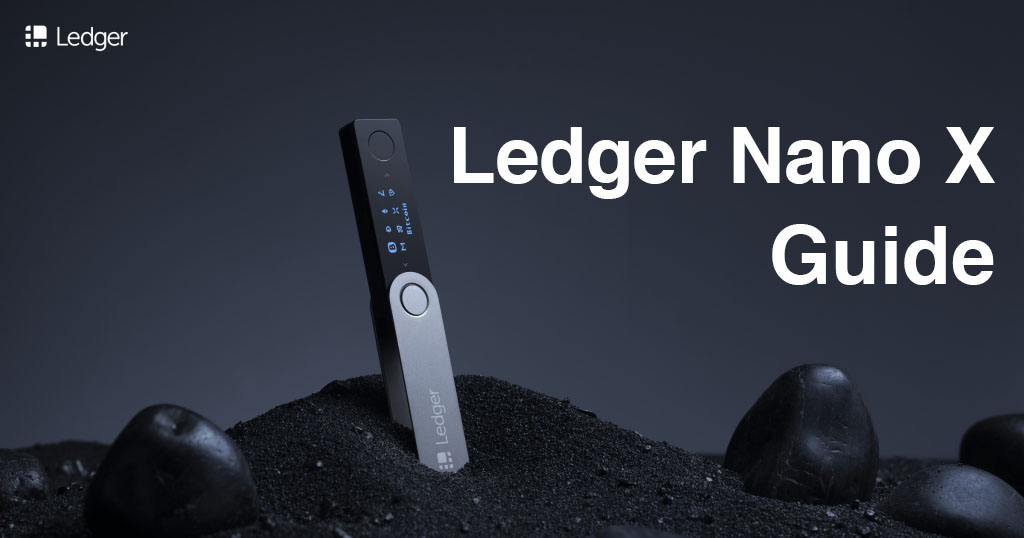
Ledger released a new hardware – the Ledger Nano X. This new device protects your with military grade protection and prevents digital theft and hackers. These are the key new features of the Ledger Nano X:
- Larger screen – Displays address of receiver in full without scrolling
- Mobile support – (and ) support via
- More storage space – Install up to 100 different apps for different coins
This guide will help you setup your Ledger Nano X and teach you the important features. In addition, we the most important question: Is Bluetooth Safe?
Why use a Hardware Wallet
With traditional currencies, you, the user, are the most important person. If you have ever lost your bank card, you can always go to the bank with some sort of identification and request for access back to your account.
, however, don’t care about the physical person but rather the private key associated with the . The private key is used to verify the account and transactions. Anyone who has access to this key can send funds and that is why you must keep it safe. Another thing is that transactions cannot be reversed.
can protect you against these things. They add an extra layer of security by storing the private key on the device itself. The only way to hack it would be to have physical access to the hardware or with the backup phrase.
Paper wallets offer arguably even more security. However, the process for setting them up and using it is very complicated. Hardware wallets strike a nice balance between security and convenience.
Keep your Recovery Phrase Safe!
There will be a sheet where you can write down your 20-word recovery phrase. This is the most important part because it acts as a backup to the device. You will need to keep it very safe because if someone gets access to that paper it is essentially the same as stealing your .
Do not take a photo or have a digital copy of that list!
- Choose a 4-digit PIN code and confirm.
- Write down your 20-word recovery phrase. The order of the words is also important.
- After setting up the device, with it still plugged in, visit
and download the app you want to use. - Follow the instructions on the site and use.
Note: after setting it up you will be navigating the device on your computer.
You can receive even when the device is offline. It’s only when you want to send that you need to connect the device and enter your PIN and login.
After inputting all the transaction details on your computer, as an additional security measure, you can double check the details on the device. Make sure the address and amount are correct and confirm.
Get your Ledger NanoX:
Related
Published at Tue, 30 Apr 2019 03:18:05 +0000