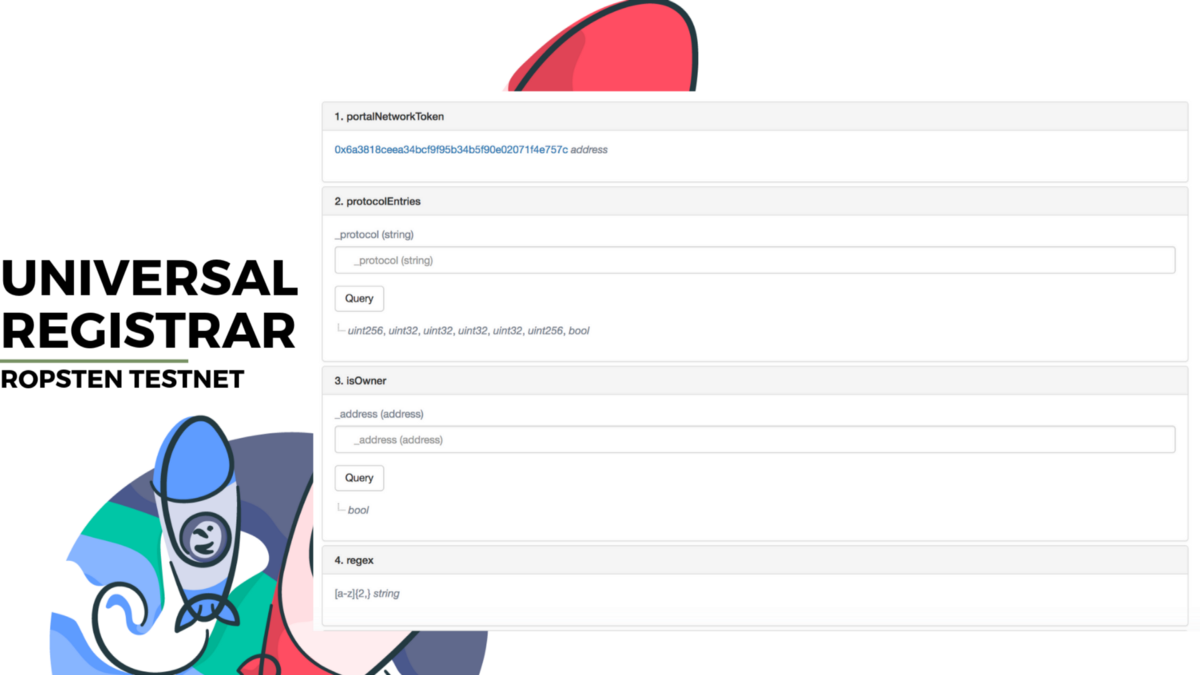
Guideline
Step 1 — Check Domain Availability, go to ‘entries’ at Read Contract
_name (string): portalnetwork
_protocol (string): prt [currently the smart contract only supports .prt]
result: enum Mode
uint8 : 2 (owned)
string : portalnetwork.prt
uint256 : 1552527517
uint256 : 0
uint256 : 1000000000000000000
address :
Step 2 — If domain is available, go to ‘shaBid’ at Read Contract
_name (string): portalnetwork1
_protocol (string): prt
value (unit256): 1000000000000000000 [min. bid is 1 PRT]
salt (byte32): passcode [secret phrase to sha your bid]
[ shaBid method Response ]
bytes32 : 0x66bbe432cfd8c76b2ffd1743b058570df373ef31a58ce9567b6b2400c9f92abf [copy it]
Step 3 — Copy the secret phrase, go to ‘start auction’ at Write Contract.
_name (string): portalnetwork1
_protocol (string): prt
_sealBid (byte32): 0x66bbe432cfd8c76b2ffd1743b058570df373ef31a58ce9567b6b2400c9f92abf
Step 4 — Reveal your bid, go to ‘revealAuction’ at Write Contract.
_name (string): portalnetwork1
_protocol (string): prt
_value (unit256): 1000000000000000000
_salt (bytes32): passcode
Step 5 — View your transaction, once completed — view the metadata for domain detail
Step 6 — Once revealed, go ‘finalizeAuction’ at Write Contract
_name (string): portalnetwork1
_protocol (string): prt
Step 7 — Once finalzied , go to explorer.portal.network to view your domain
You may now bind your domain to the resolver contract, set IPFS/SWARM content hash.
Published at Fri, 05 Apr 2019 10:05:45 +0000
crypto-chat coin - project live free earn chat coin (yobit ico)](https://ohiobitcoin.com/wp-content/uploads/2017/03/6CcWLc.jpg "Re: [pre-ann](chat)crypto-chat coin - project live free earn chat coin (yobit ico)")
